 Peptide Library
Peptide Library — your research companion
Access your peptide library, tracking tools, research journal, inventory, and progress wherever you go. Install it from your browser: no download, same account as the iOS and Android apps.


How to install
Browsers don’t let a website add itself to your Home Screen, so it takes a few taps. The button above shows the steps for the browser you’re using.
iPhone and iPad
- 1.Tap Share in Safari’s toolbar. (With the compact tab bar, tap the menu button next to the address first, then Share.)
- 2.Tap Add to Home Screen. If it isn’t listed, tap View More first.
- 3.Leave Open as Web App switched on.
- 4.Tap Add.
- 5.Open Peptide Library from your Home Screen.
If the installed app asks you to sign in, sign in once there. Your data is already there.
Chrome, Edge and Firefox on iOS 16.4 or later work the same way through their Share menu. On older iOS versions, use Safari.
Android
- 1.Tap ⋮ at the top right of Chrome.
- 2.Tap Install app or Install and create shortcut (Add to Home screen in older versions).
- 3.Choose Install, then tap Install again.
Chrome may also offer an Install button right on the page. Samsung Internet: menu → Add page to → Home screen.
Computer
- 1.Click the install icon at the right of the address bar.
- 2.Or open ⋮ → Cast, save, and share → Install page as app.
- 3.Click Install.
Edge: ••• → Apps → Install this site as an app. Safari on a Mac: File → Add to Dock.
Everything in your account
Research library
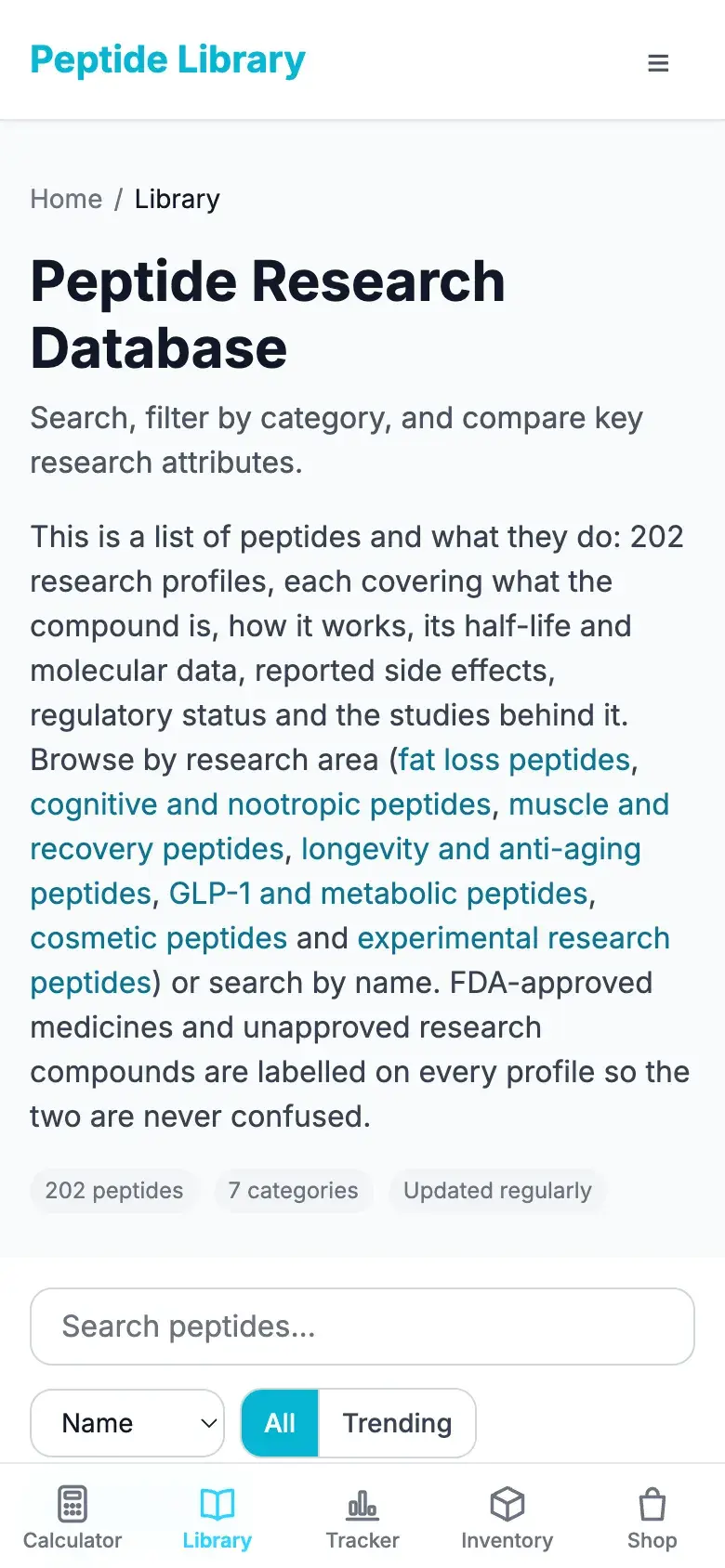
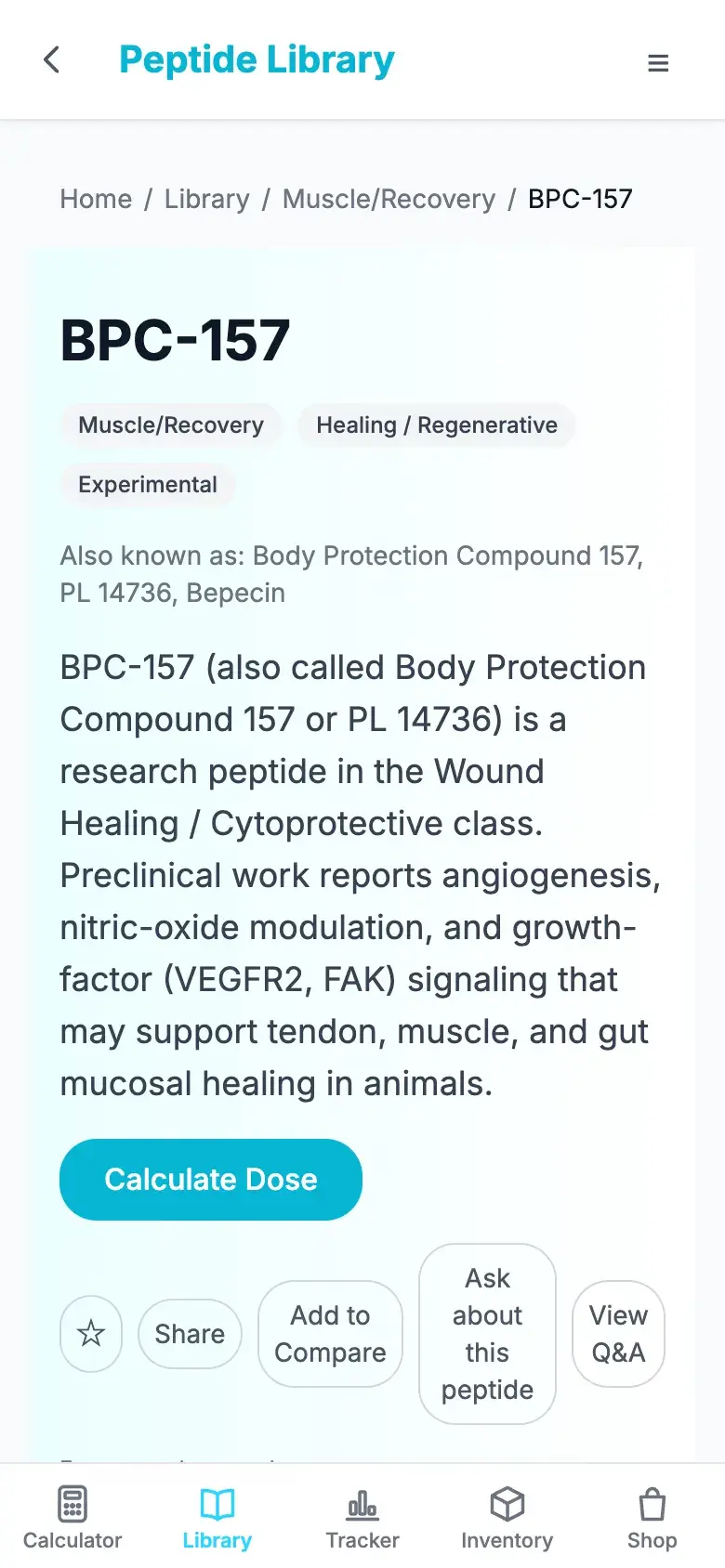
Over 200 peptide profiles with mechanisms, half-lives, studies and regulatory status.
Tracker and calendar
Log entries, follow schedules, and see your history day by day.
Inventory
What you have on hand, what’s running low, and when to reorder.
Journal and metrics
Check-ins, body measurements and progress photos in one place.
Calculators
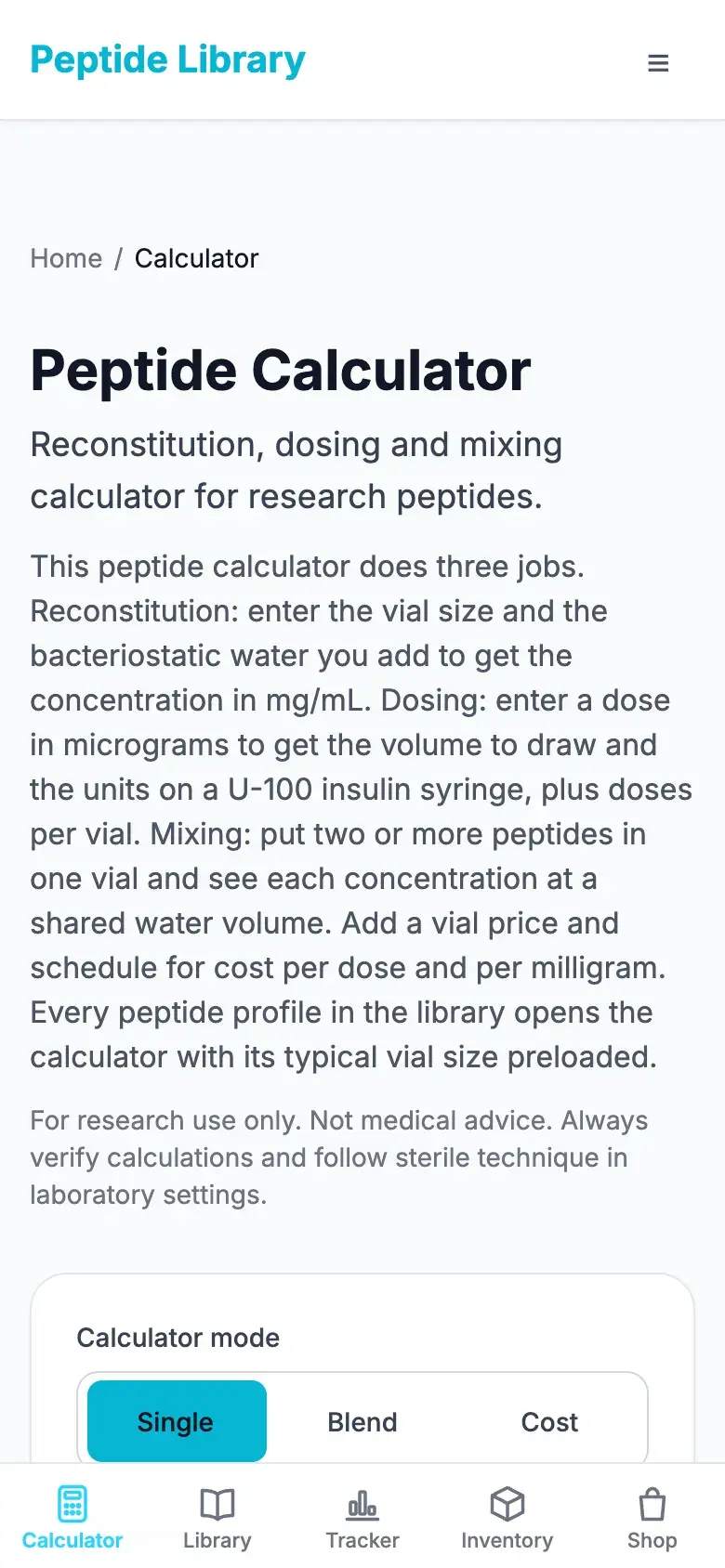
Reconstitution, blends and cost, with the math shown.
Shop and vendors
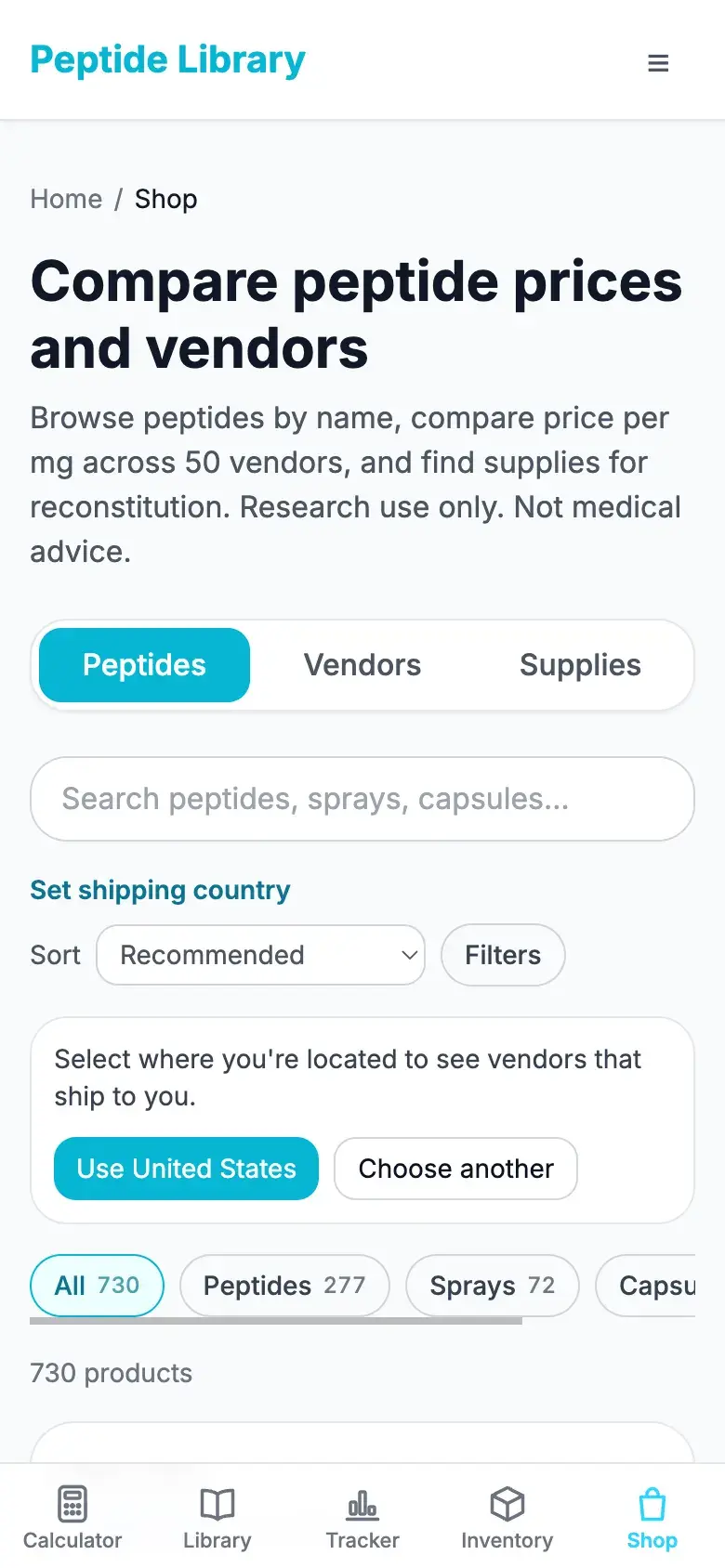
Compare price per mg across vendors and see who ships to you.
Questions
Is the web app free?
Yes. Installing costs nothing and the free plan works the same as on the website. Pro, bought on the website or in either store app, unlocks everywhere you sign in.
Do I need a new account?
No. Sign in with the account you use in the iPhone or Android app and everything is there: schedules, logs, inventory, journal, metrics and Pro.
Do I sign in again on iPhone?
Recent iOS versions bring your Safari sign-in along when you add the app. Older ones keep a Home Screen app separate from Safari, so you sign in once in the installed app and it stays signed in.
Does it work offline?
Pages you’ve opened before still open without a connection, and an offline page tells you when something needs one. Your data stays in your account and loads again once you’re back online.
Will it send me notifications?
Only if you turn them on, per device, after installing. On iPhone and iPad they need the installed app (iOS 16.4 or later). Lock-screen previews don’t name peptides unless you choose to show them.
Should I use this or the App Store / Google Play app?
Either. The store apps add things a browser can’t, like Apple Health and Health Connect import and home-screen widgets on iPhone. The web app needs no download and updates itself. Same account on both.
How do I remove it?
Like any app: press and hold its icon and choose Remove (iPhone, Android), or uninstall it from the app’s window menu on a computer. Your account and data stay.
Privacy: notifications are off until you turn them on, and pages kept for offline use stay on your device and are cleared when you sign out. Details in the privacy policy.